
Hi everyone! I’m back with some good news 😊
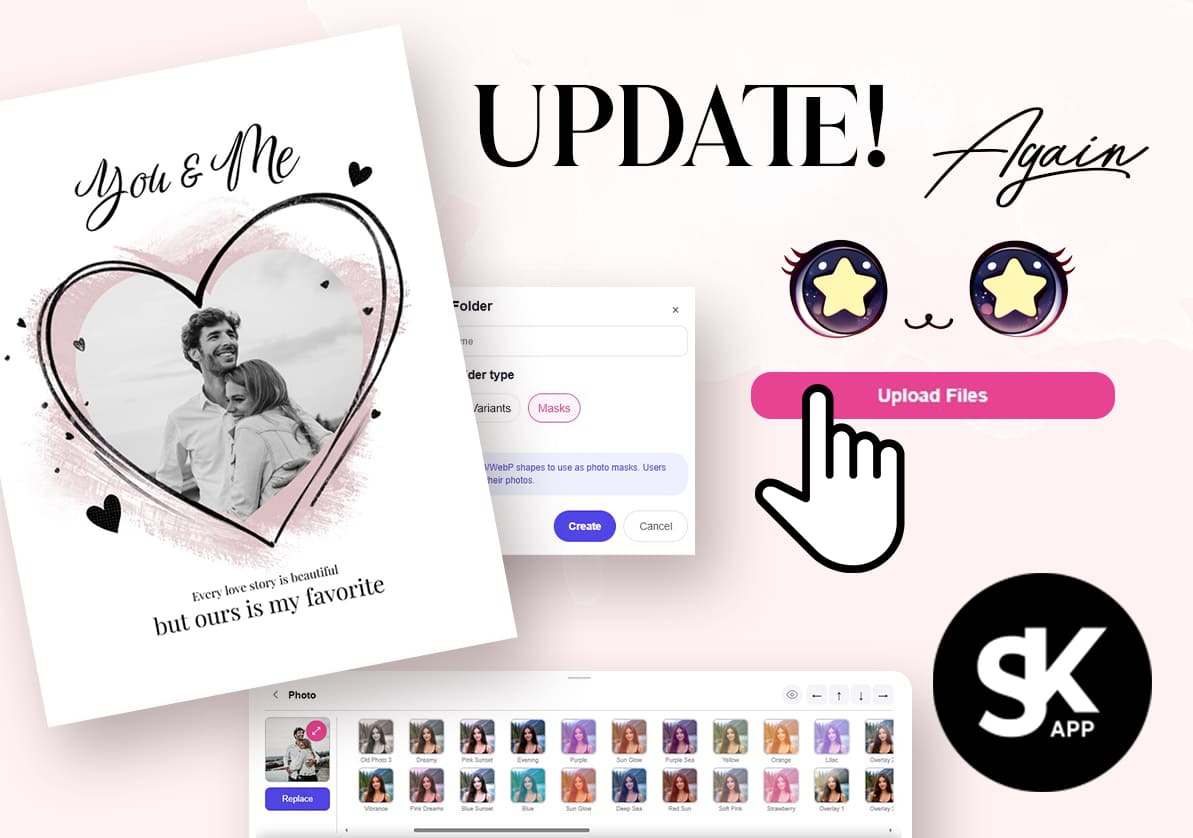
Today I released another update for SKapp!
I added a brand new layer type — Photo Masks, and now you can also upload your own custom photo masks ✨
Here’s how it works:
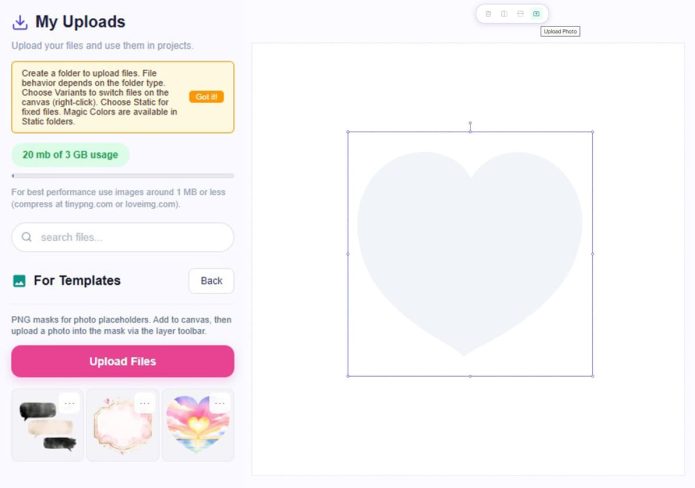
Create a folder with the type set to Mask and upload any PNG files you want — hearts, pumpkins, circles, abstract shapes, literally anything. Any PNG shape will work.
Then place the mask on the canvas and you’ll notice that it appears in the Layers panel as a Photo Mask.
When you select it on the canvas, you’ll see a new Upload Photo icon.
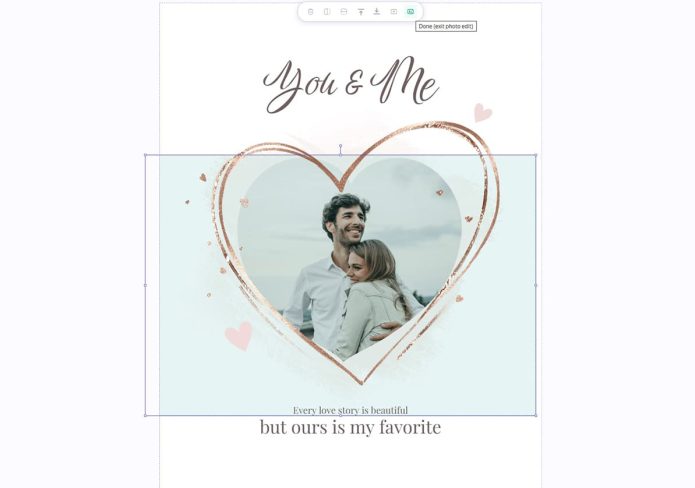
Click it and choose the image you want to use.
A folder for user photos will be created automatically, so now you can upload photos and publish templates with replaceable images
I’ve been experimenting with my own templates lately and realized that sometimes customers may want to upload their own logo, business image, personal photo, or something similar, so I decided this feature was absolutely necessary.
So let’s say you added a mask, uploaded a photo, added some text and decorative elements.
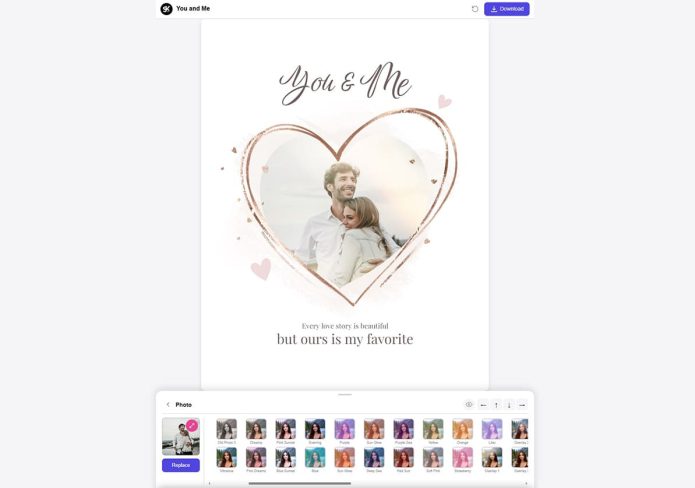
Now you simply save your project and publish it — and your customers will be able to upload their own photos directly in the mobile version. Super simple!
Then I realized users should also be able to apply effects and filters to their photos, because some templates look much better with black & white images or different color tones. So I added a large collection of photo filters for user images in the mobile version.
I also fixed several bugs related to regular group masks from the Elements section. They should now work much better and can finally be dragged around properly 😅
And I updated some older templates as well (sorry I haven’t added many new ones lately — I’ve been extremely busy). Some of them used old hairstyles that didn’t work correctly in the mobile version, so I replaced them with the newer mobile-ready versions.
I also updated the Family Boots collection and added mobile-ready folders so replacements work more smoothly now.
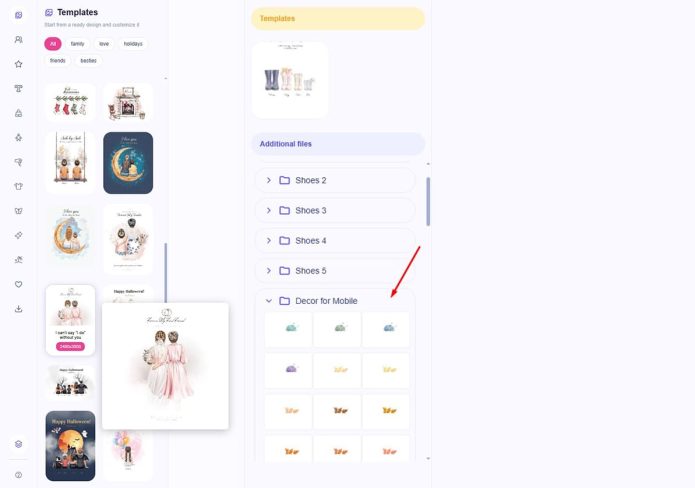
I’m not deleting or replacing old files because I don’t want to break your existing templates, so instead I added new prepared folders and you can switch to them manually if you want.
There are still a few collections I want to adapt for mobile, like the custom chibi face builder. I also definitely need to add more “mobile-ready dogs” 🐶 I’ll be working on that soon.
You can test the demo template shown in this post here, :
Template LinkHonestly, I have no idea where all of this will lead yet, but I have SO many ideas for future templates and features…
I’ll share more about that later 😊
Hope you enjoy this update ❤️

Post a Comment
You must be logged in to post a comment.